Letterpressed,Debossed,Embossed,DesignedCards, stickers, posters,wedding stationery,book covers, invitationswe print it all.Create your own printor learn how it's done.
Work
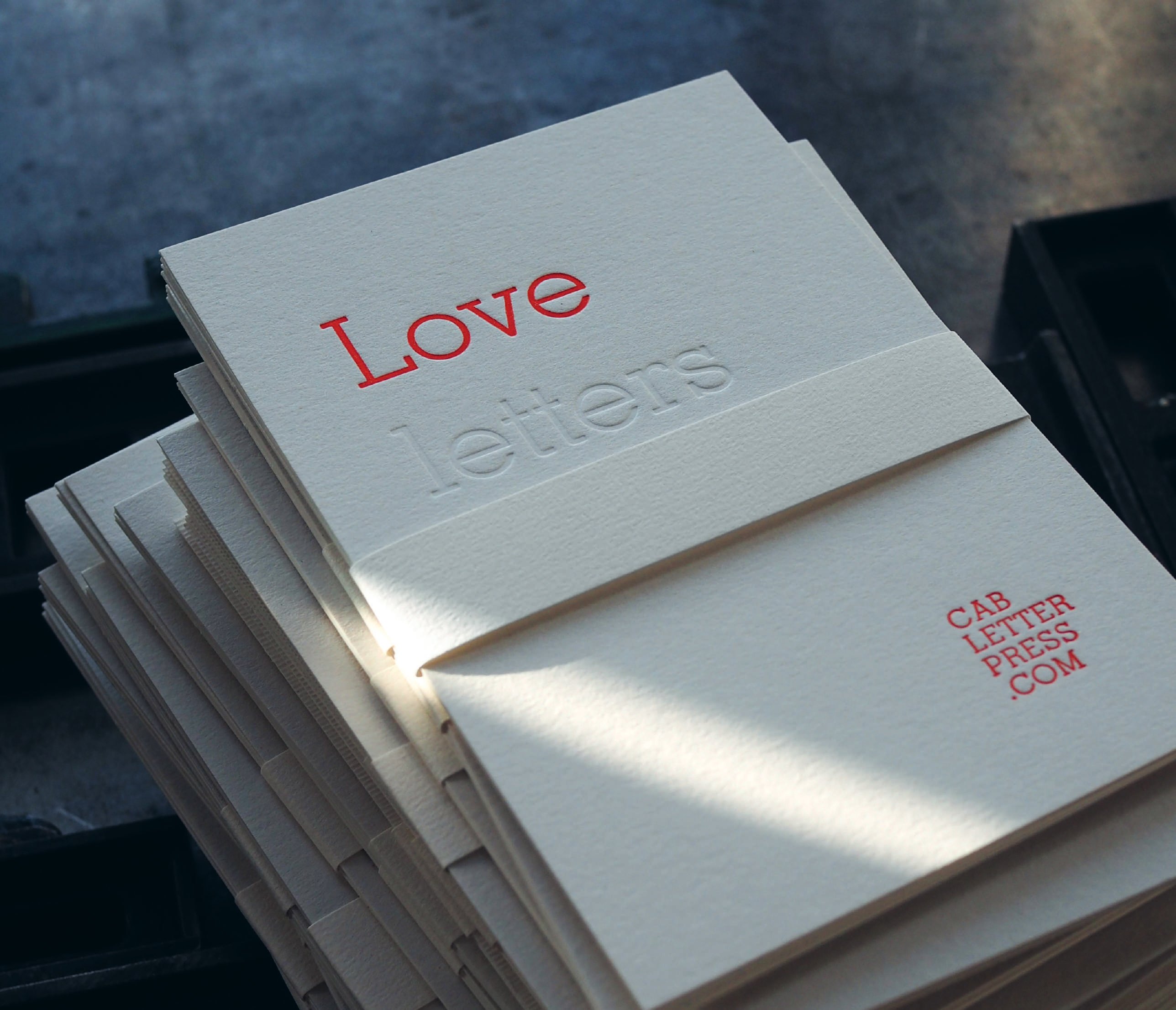
- 01Love letters
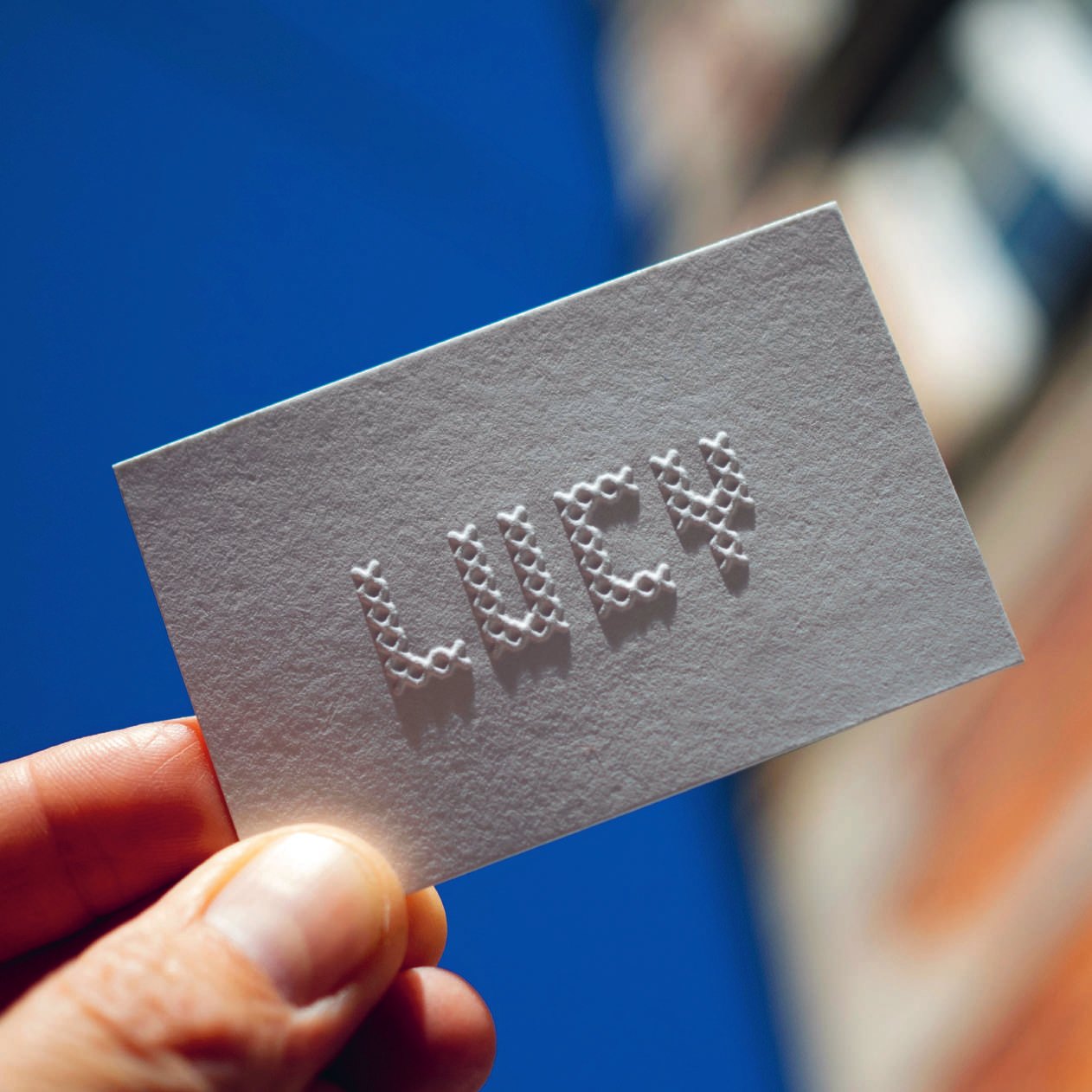
- 02Luck, debossed
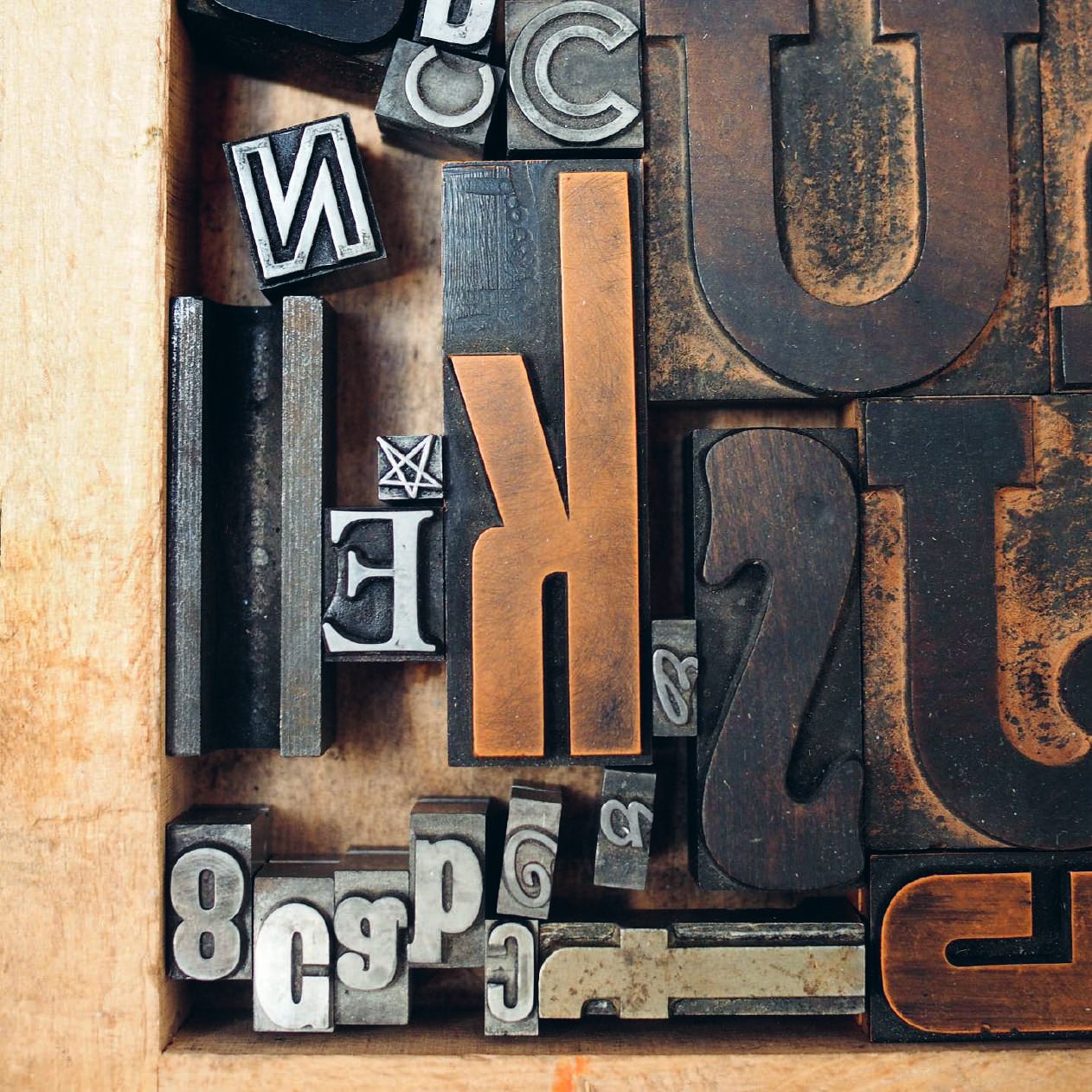
- 03Wood type
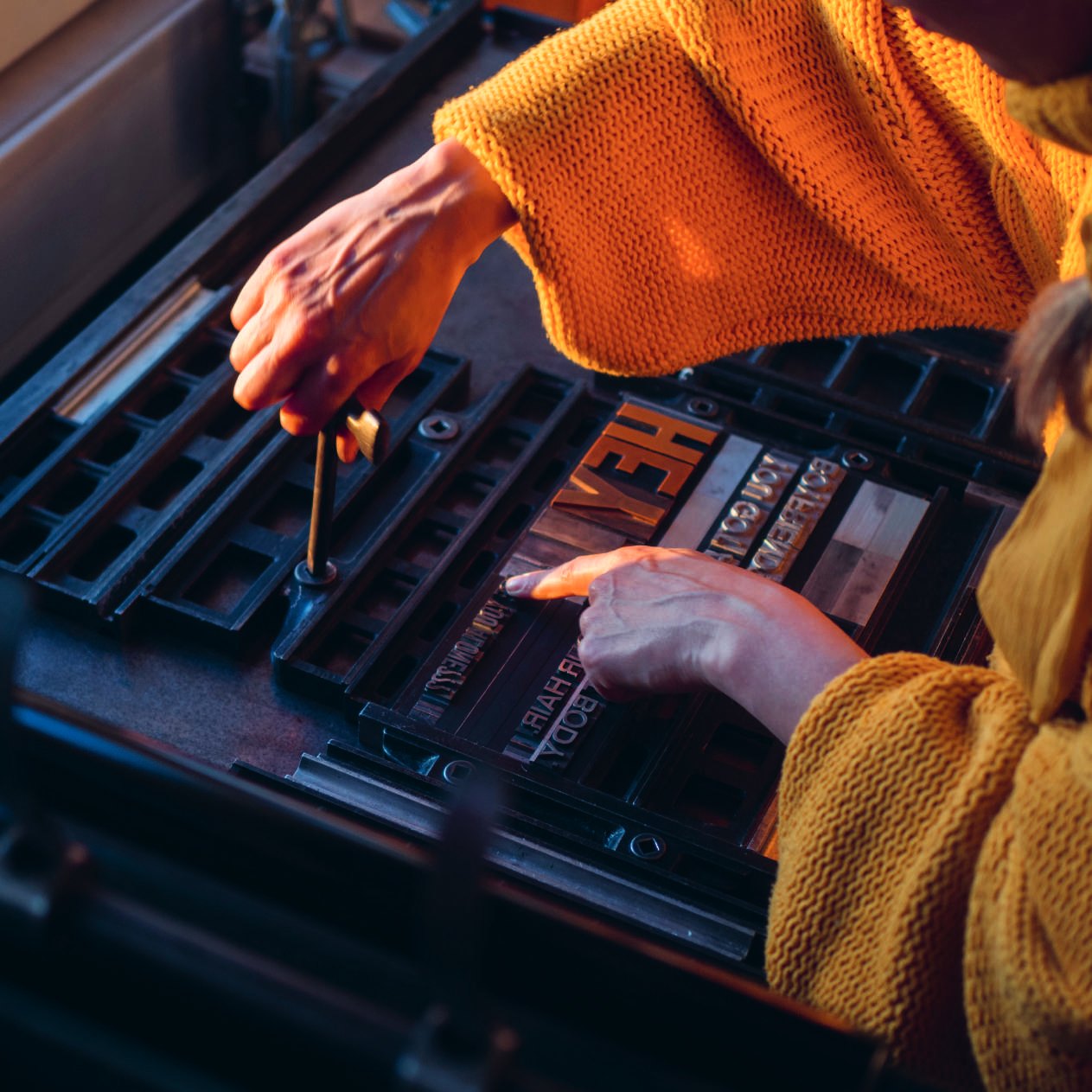
- 04Locking up
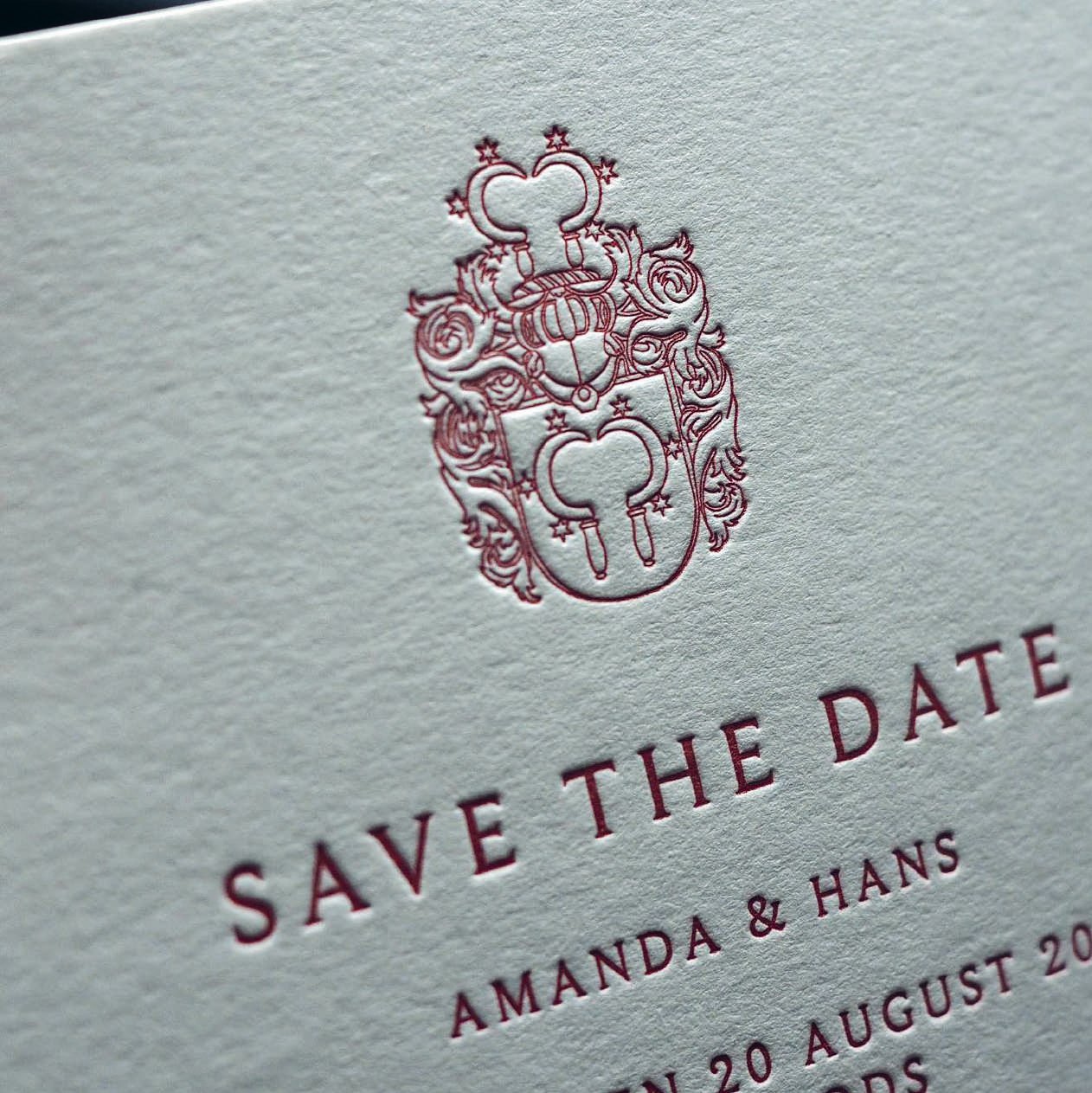
- 05Save the date
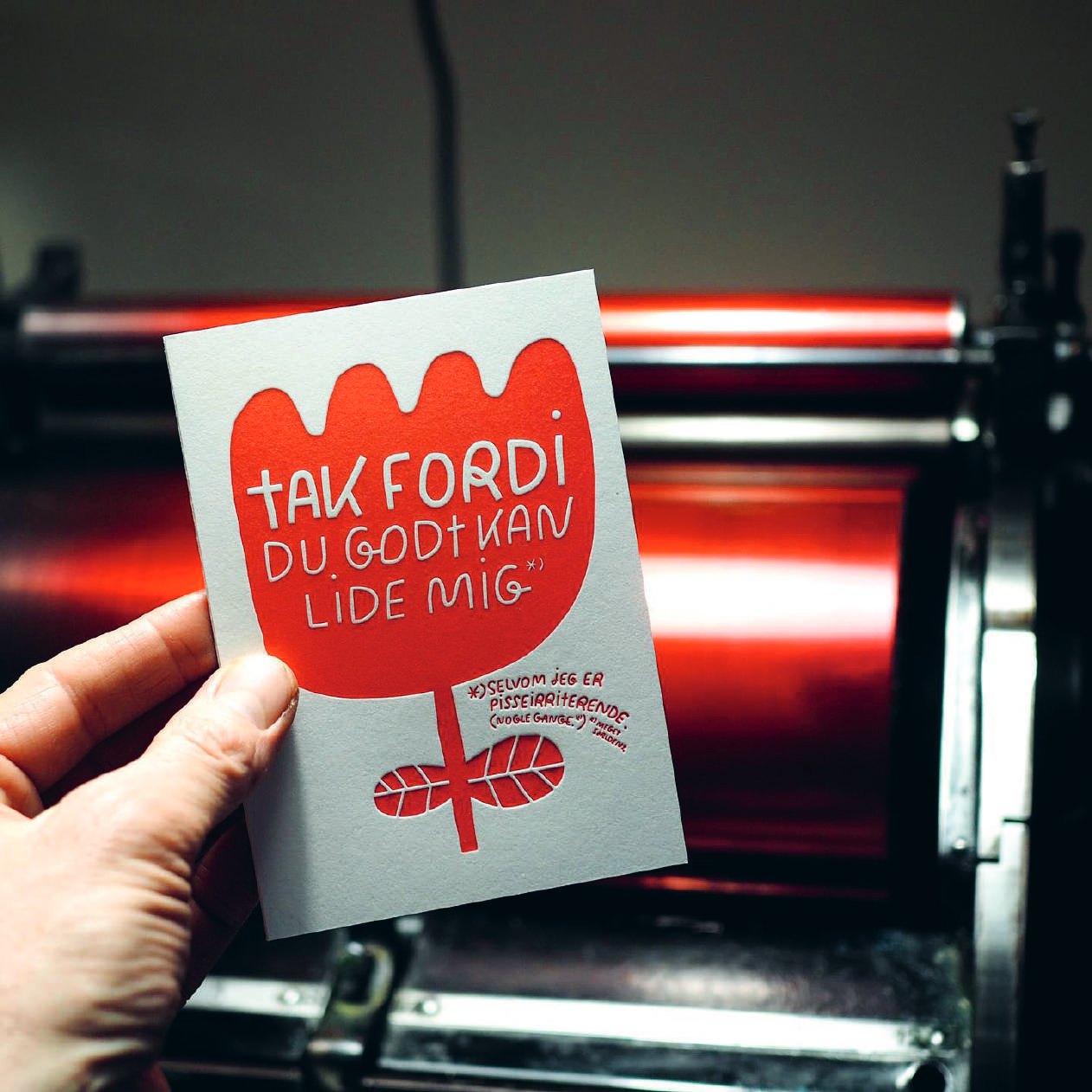
- 06Tak fordi
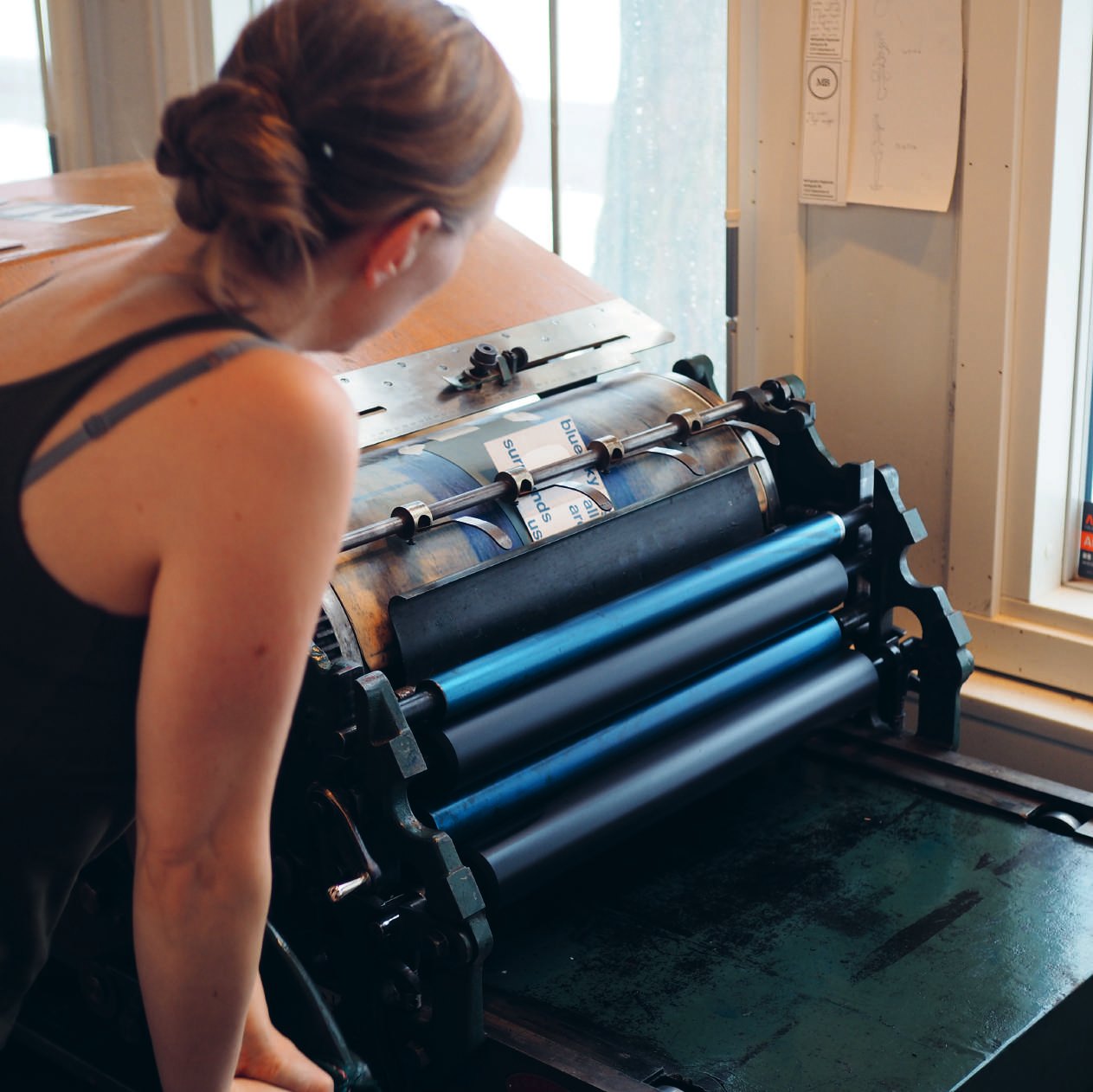
- 07At the press
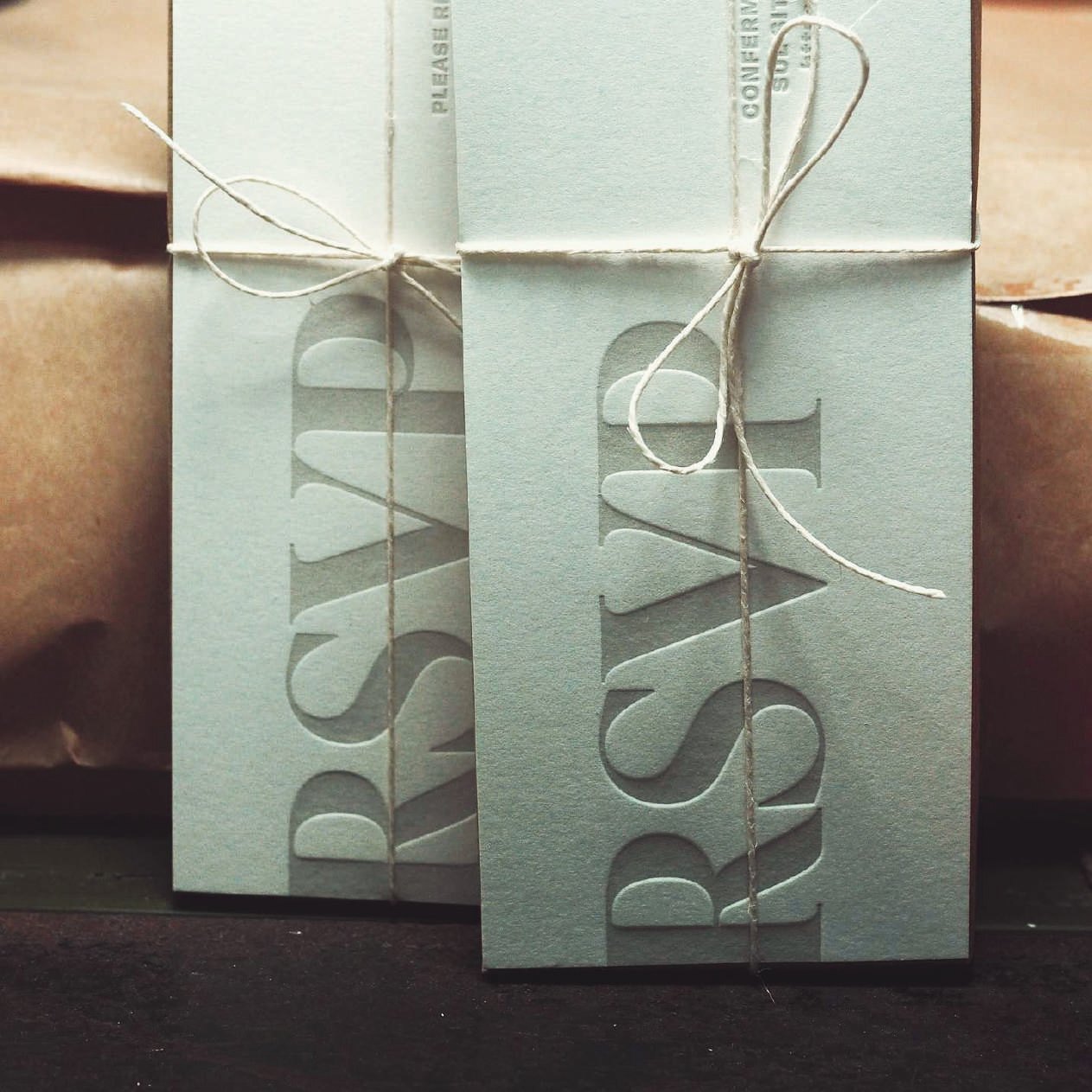
- 08RSVP
What isletterpress?
Letterpress is a traditional printing technique that combines artistry and craftsmanship. Using raised type or engraved plates, ink is applied and pressed into paper, creating a tactile impression you can see and feel. The result is a distinctive texture, crisp detail, and a sense of depth that digital printing can’t replicate.
The concept of movable type printing originated in China in the 11th century, allowing early texts to be reproduced efficiently. Centuries later, in 15th-century Europe, Johannes Gutenberg refined the process with movable metal type, oil-based inks, and mechanical presses, making mass printing possible and laying the foundation for modern letterpress.
For centuries, letterpress was the standard method for books, newspapers, and posters. Today, it has evolved into an artisanal process used by designers, artists, and creative professionals to produce stationery, art prints, brand materials, and limited-edition projects.
Letterpress celebrates care, precision, and the beauty of the handmade, turning every print into a piece that’s not just seen, but truly felt.
Letterpress expressions
Debossing
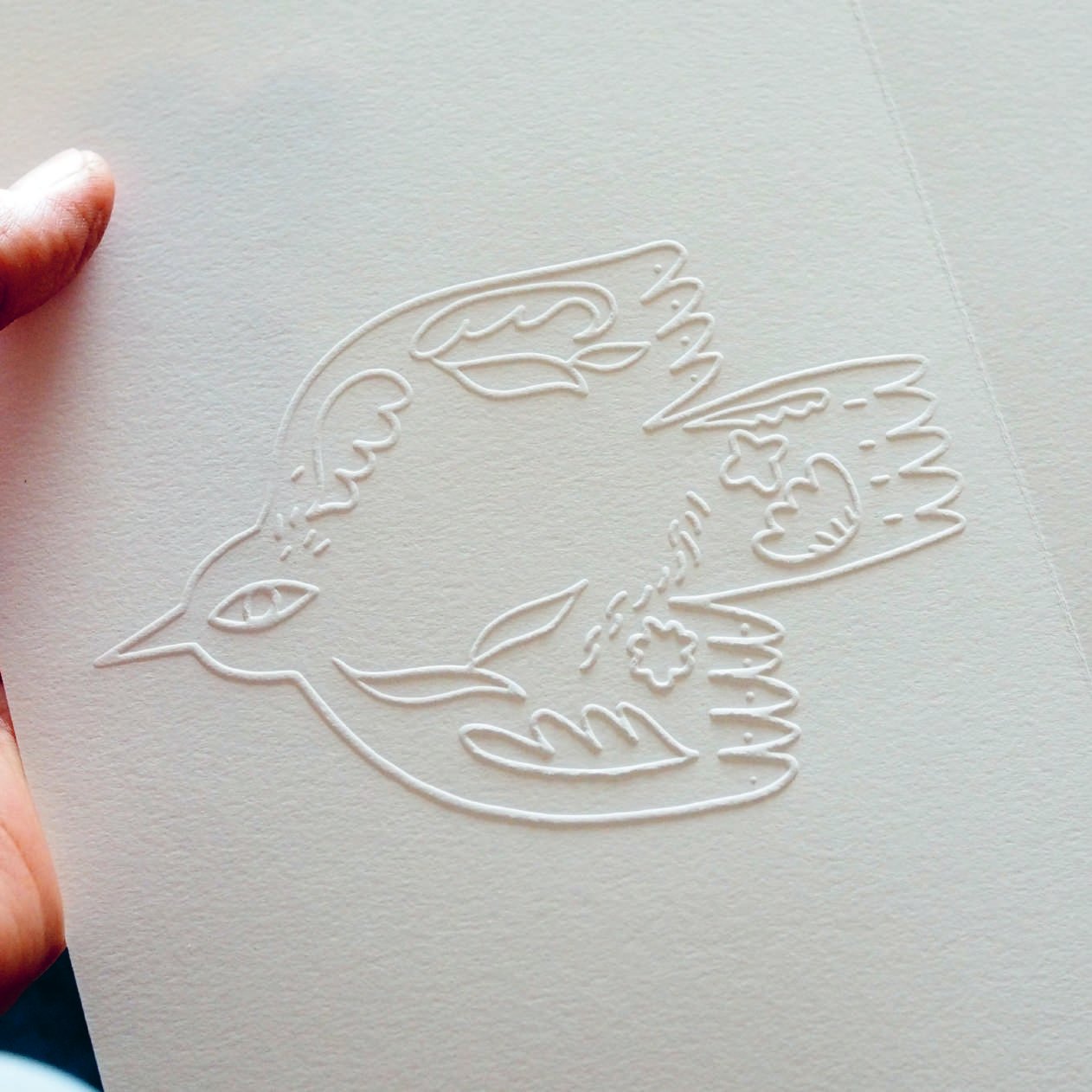
Printing with high pressure. You can feel the imprint, which goes down into the paper.
Also called prægetrykEmbossing
The motif pops up - a 3D effect. The paper is pressed from both sides. Mostly done without colour printing.
Die cut
Punching paper or cardboard with a die-cutting form. Used e.g. for drinking coasters, packaging, cards with special shapes, round corners etc.
Hotfoil
Printing with foil, to get e.g. a metallic or bright colour on dark paper. Can be glossy and shiny.
Printing plate
For most jobs, we order a printing plate made of photopolymer. For hotfoil, a magnesium plate.
Cliché / klichéPrices
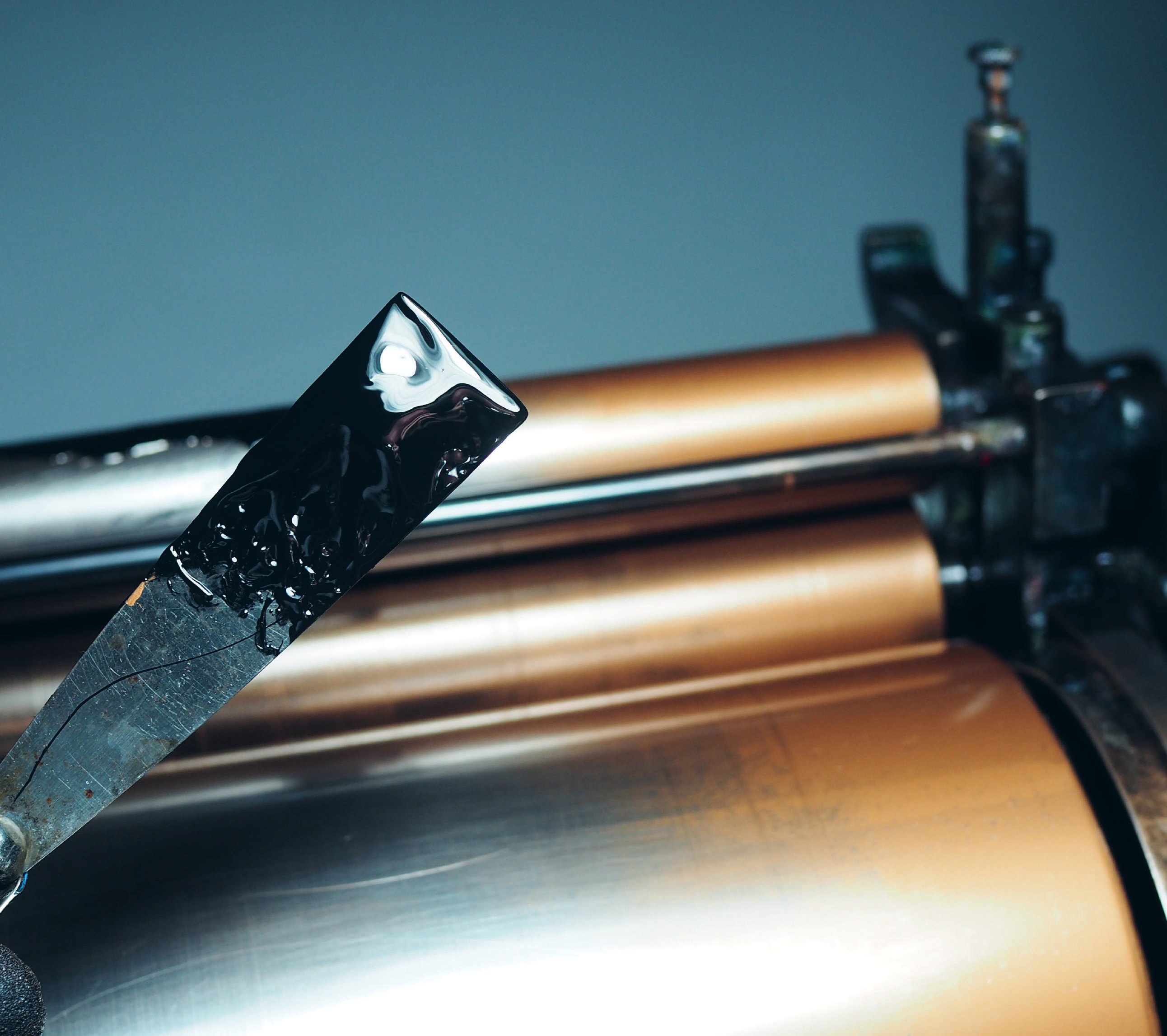
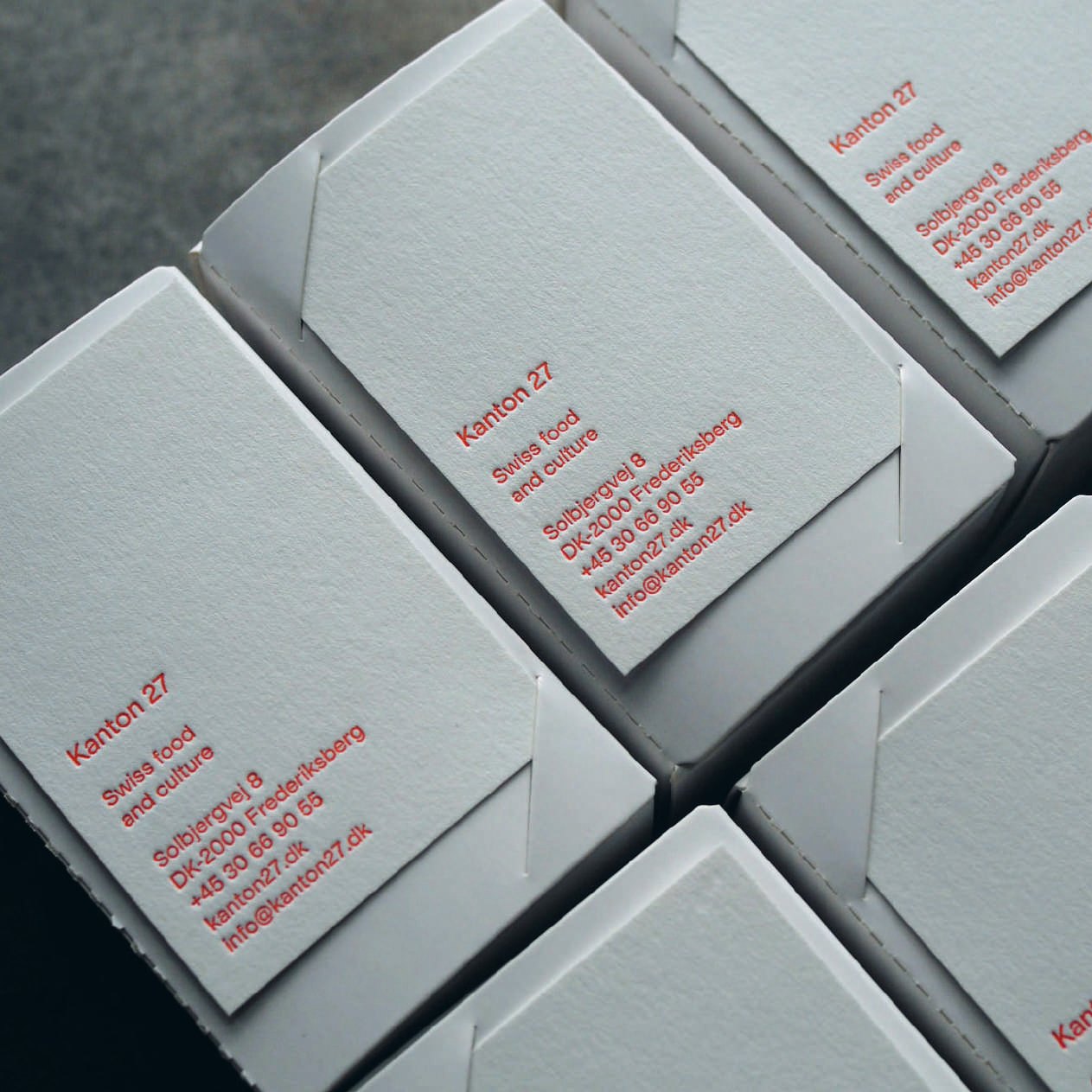
- Blind print, no inkFrom our own type 750
- Business cards 2000
- Cards, A5 2000
- Coasters 2000
- Paper bags 2000
- Wedding stationery 2500
- WorkshopsPer person 600
Most of the work is setting up: adjusting, test printing and cleaning the press. The printing plate comes on top.
No ink, our own type - from 750 DKK. With ink and a plate - from 2000 DKK.
Business cards Hang tags Postcards Boxes Invitations Folders Wedding stationery Packaging Name cards Place cards Menus Envelopes Letter paper Stickers & labels Posters Record sleeves Art prints Lino & woodcuts
What we offer
Printing only
Send us a print-ready file and we do the rest. How to make one is in the next section.
Design & printing
Send us your text, pictures and logo. We design it and print it.
Idea to print
Tell us your idea. We work out the design with you, then print it.
Digital printing
A digital printer in our neighbourhood is our partner - we often combine digital print with letterpress.
Heavy, uncoated paper, always in stock - white, off-white and ivory, smooth or with structure.
Lessebo, Munken, Fedrigoni, Favini, Metapaper, Hahnemühle and more. We can order paper for any job.
From tiny coupons to posters. Cards up to A4+ in large runs. Posters are printed by hand on a proofing press - the one we use in workshops.
How toprepareyour file
How do I order?
You can work with us in three ways:
- 01
You send us a print-ready file.
PDF, AI, or EPS - we go straight to press. No extra costs apply. You can read exactly what a print-ready file looks like here.
- 02
You send us your working files.
Illustrator, InDesign, Photoshop - plus any fonts and images - and we prepare the print-ready file. For illustrations, TIFF or JPEG files are sometimes possible too. A price will be quoted based on the work involved.
- 03
You send us your idea.
A sketch, a brief, a rough concept - we take care of the rest. As trained graphic designers, we're happy to handle the design entirely, or to support you along the way.
The basics
Letterpress prints one color at a time. We most often print with one color, sometimes two, and occasionally three or more. A popular combination is one ink color alongside a blind impression - a print without ink, such as debossing (the motif pressed into the paper) or embossing (the motif raised above it).
Color photographs cannot be reproduced well by letterpress alone. We can print these through our digital printing partner and add letterpress elements - text, a logo, a border - on top.
A separate printing plate must be made for each ink color.
File requirements
To print a computer-designed layout on a letterpress, a printing plate must first be produced. The starting point is always a print-ready file - ideally a PDF, though AI (Adobe Illustrator) and EPS files work equally well.
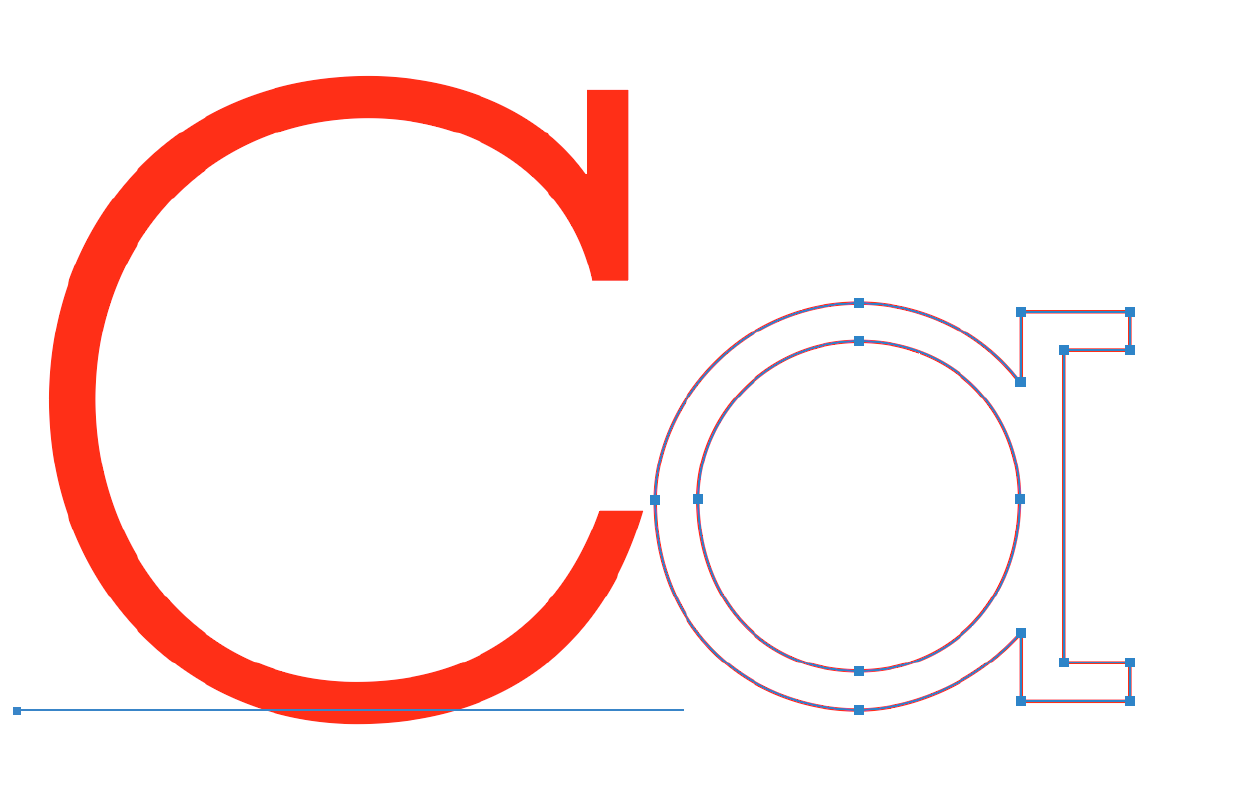
For text, logos, ornaments, and similar elements, the file must contain vector graphics. Vectors have no pixels and can be scaled to any size without losing quality. PDF, AI, and EPS are all vector formats. PNG and JPG contain pixels and will not produce sharp printed edges.
- 1If your file contains linked images, include those files as well.
- 2Fonts must be converted to outlines, or sent alongside the file.
Drawings and illustrations
Drawings can be handled in two ways: converted to vector paths, or - in a program like Photoshop - saved as a BITMAP file. The bitmap approach works particularly well for charcoal drawings and similar work with organic texture.
One important rule: the file must contain no grey tones. Grey cannot be printed in letterpress. If you're unsure, send us your original file and we'll advise you.

Photographs
The same rule applies: grey tones cannot be printed. A photograph must first be converted to a halftone - a pattern of dots that simulates shading. How fine or coarse that pattern needs to be depends on the paper. A grain screen is also an option. We're happy to guide you through it.
Working with Canva
If you're designing in Canva, we can still work with your file - but it will need preparation before it's press-ready. Export your artwork as an SVG file and send it over; we'll handle the rest.
Typical preparation steps include converting colors from RGB to CMYK, converting graphics to solid black, adjusting dimensions, and adding crop marks. This work may carry a small additional fee, and we'll always let you know the cost before we proceed.
How to preparea print-ready file
Getting your file press-ready takes a little preparation, but it's straightforward once you know what to look for. Work through these steps before sending your artwork - and you'll be ready to print.
File formats
Accepted formats:PDF, AI (Adobe Illustrator), EPS
Not suitable for professional printing:PNG, JPEG, GIF, WebP, SVG, DOCX, PPTX, PUB
For drawings and illustrations, the right format depends on the artwork - send it over and we'll take a look.
Color mode
All files must be set to CMYK. For letterpress, all artwork should be solid black: C=0, M=0, Y=0, K=100%.
RGB is a screen color mode and will not print as expected.
Detail and line width
Letterpress has limits when it comes to very fine detail. The minimum line width - including thin strokes within type - is 0.25pt. Take care with delicate serif fonts in small sizes, as fine strokes can fill in or disappear under the press.
Fonts
If we open your file without your font installed, it will be substituted and your design will look different. The safest option is to convert all text to outlines before sending.
In Illustrator: select all text, then go to .
Alternatively, embed your fonts when exporting to PDF, or include the font files alongside your artwork.
Bleed
If any part of your design extends to the edge of the paper, we need 3mm of bleed on all relevant sides. Extend any background colors, images, or edge elements into this bleed area - it ensures a clean result when the paper is trimmed.
Safe zone
Keep all important content - text, logos, key design elements - at least 4mm inside the trim edge. Anything closer may be cut off.
Crop marks
Crop marks are small lines at the corners of your artwork that show exactly where to cut. They sit outside the design area and are trimmed off after printing.
We can add crop marks for you - just let us know. If you're sending multiple items (for example, business cards and a postcard), place everything on one large artboard and draw a red rectangle around each format to indicate the different sizes.
Resolution
For any raster elements - photos, textures, scanned drawings - resolution matters:
- 300dpi minimum
- 600dpi ideal for fine detail
- 72dpi is screen resolution only and too low for print
Vector elements such as logos and text created in Illustrator are resolution-independent and always print sharp.
Checklist before you send
Not sure? Just send it over. We'll take a look and let you know what, if anything, needs adjusting before we go to press.